


Structured graduate and intern screening
William Buck’s case study describes AI interviews for graduate and intern screening, with candidate feedback collected alongside the hiring workflow.
Read the William Buck case studyCareer page
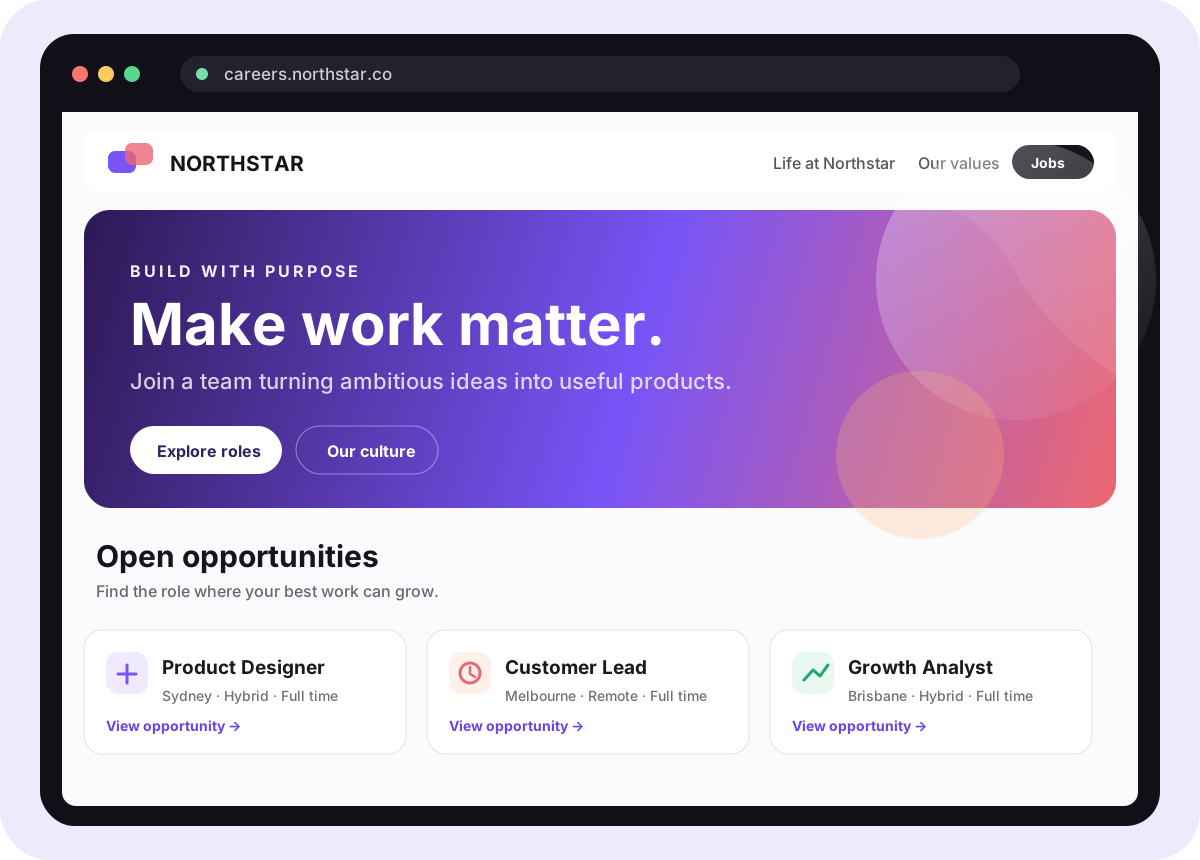
Build and publish a branded career page with company information, media and current job openings. Administrators arrange the content, review the draft and choose when to publish it.
Example workflow
Your branded career page
Candidate-experience context
“Talking to Alex, the AI, was such a unique experience. It felt seamless and surprisingly engaging.”
How your career page works
Start with the brand candidates already see, arrange the content that explains why your team is worth joining, and review one complete draft before it goes live.
Use your account-wide logo, colours, typography, imagery, and button style so the career page aligns with applications, interviews, and candidate communication.
Candidates recognise the same organisation at every step of the journey.
Shared brand foundation
Step 01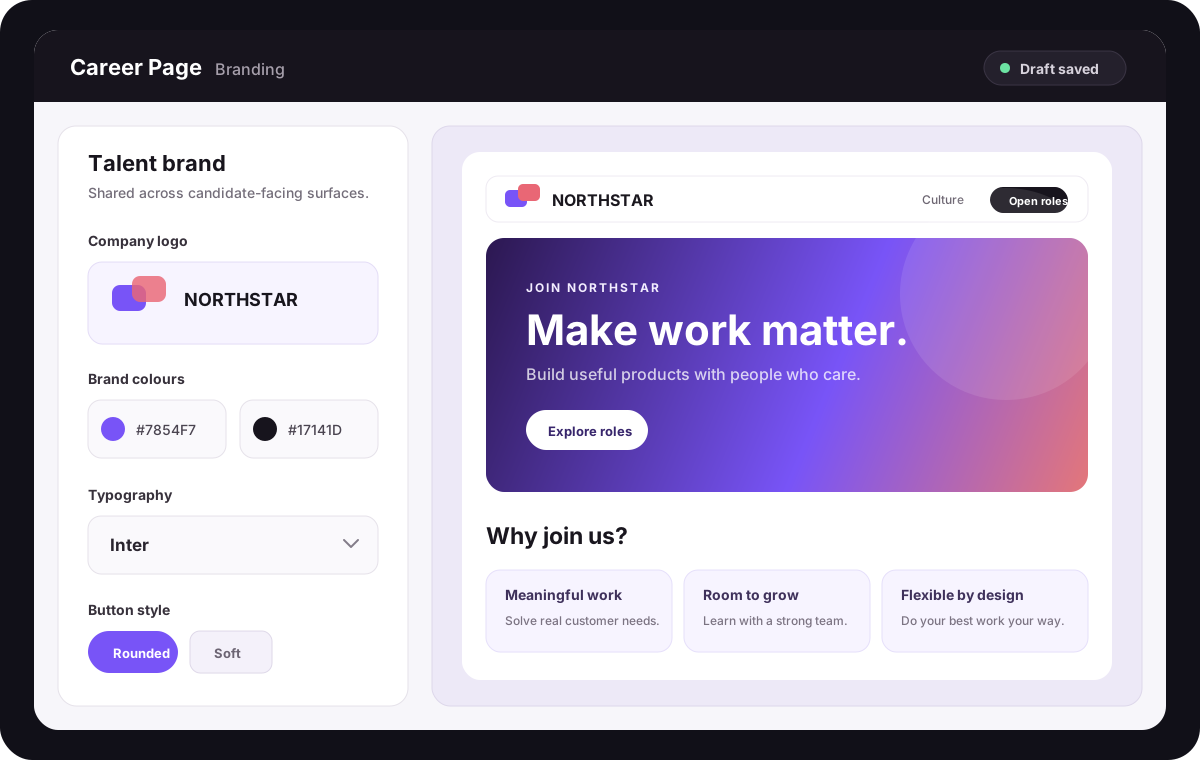
One shared brand system keeps the public career page aligned with the wider candidate experience.
Arrange purpose, values, benefits, locations, team profiles, galleries, video, testimonials, statistics, FAQs, and your hiring process around what candidates need to know.
Your team controls the narrative without waiting for a separate website release.
Add the jobs section to show the account's current open roles with role title, location, employment type, and a direct path to each job detail page.
Candidates move from employer story to the right opportunity without switching destinations.
Check responsive previews, page content, SEO, media, and the public URL while each area saves independently. Publish the reviewed draft when the whole experience is ready.
Editors can keep improving the draft without changing the live candidate experience prematurely.
Ready to give every open role a better front door?
Start with the shared brand, your most useful employer-story sections, and the roles candidates can apply for today.
Outcomes from the wider Skill Society journey
William Buck’s case study describes AI interviews for graduate and intern screening, with candidate feedback collected alongside the hiring workflow.
Read the William Buck case study

Pet Circle used on-demand AI interviews for high-volume blue-collar hiring, with 39% of candidates completing interviews after hours.
Read the Pet Circle case study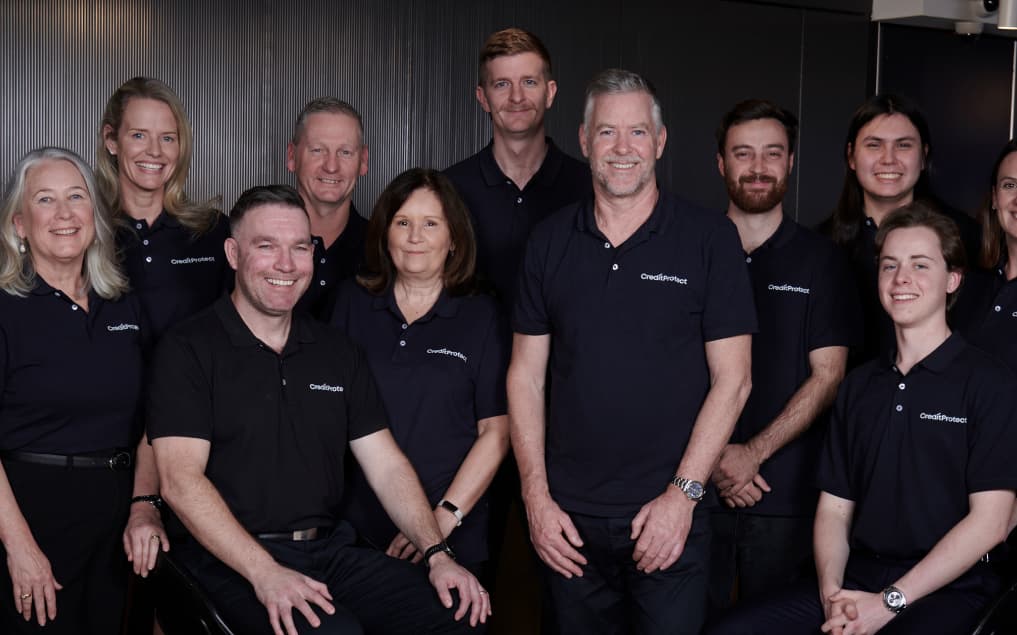

CreditProtect automated initial qualification for its growing sales team, so recruiters could focus on candidates ready to move forward.
Read the CreditProtect case studyStart with the first impression
These customer outcomes come from wider Skill Society screening and interview workflows. The career page gives candidates a branded, current destination before those workflows begin.
Questions, answered
Understand branding, open roles, drafts and publishing.
A career page is a hosted employer page built from your account branding, configurable content sections and current job openings. It gives candidates a place to learn about your organisation and open the roles they can apply for.
The career page builder is managed by account Administrators. They can review the draft and explicitly publish changes; role-scoped Members do not receive account-wide website editing access through a hiring-role assignment.
You can combine your hero, benefits, purpose and mission, values, locations, rich text, image-and-text sections, galleries, video, testimonials, team profiles, hiring process, statistics, FAQs, calls to action, and open jobs.
Yes. When the jobs block is included, the public page reads the account's current open roles and excludes deleted roles, so candidates see the opportunities your team is actively managing.
Every published page has a hosted Skill Society URL. When your business domain is configured, the career page also supports the careers.yourdomain.com vanity-domain pattern.
Yes. Content, branding, SEO, and media can be reviewed in the draft experience before one explicit publish updates the live career page. Published versions can also be restored when needed.
Yes. Employer branding is account-wide, so the career page uses the same shared logo and visual foundation as other candidate-facing surfaces instead of creating a disconnected second brand.