

Ashby integration
Connect Ashby with Skill Society for clearer candidate screening

Explore using Skill Society alongside Ashby for AI screening interviews. Speak with our team to confirm current availability and supported workflows.

Trusted by hiring teams across industries since 2023









What this helps with
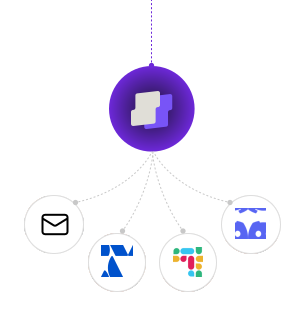
Keep Ashby in your hiring workflow
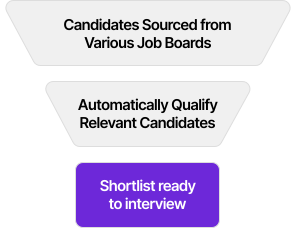
Use Skill Society alongside Ashby to organise screening and review candidate evidence. Your team decides who to meet and hire.

Features
Less interview admin. More time for candidates.

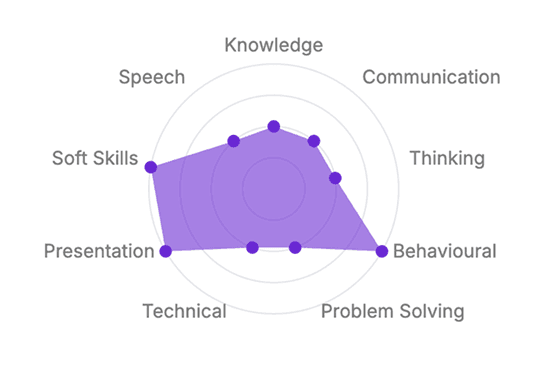
Setup guide
How to connect
Check your access to Ashby, connect the accounts and confirm your screening workflow with our team.
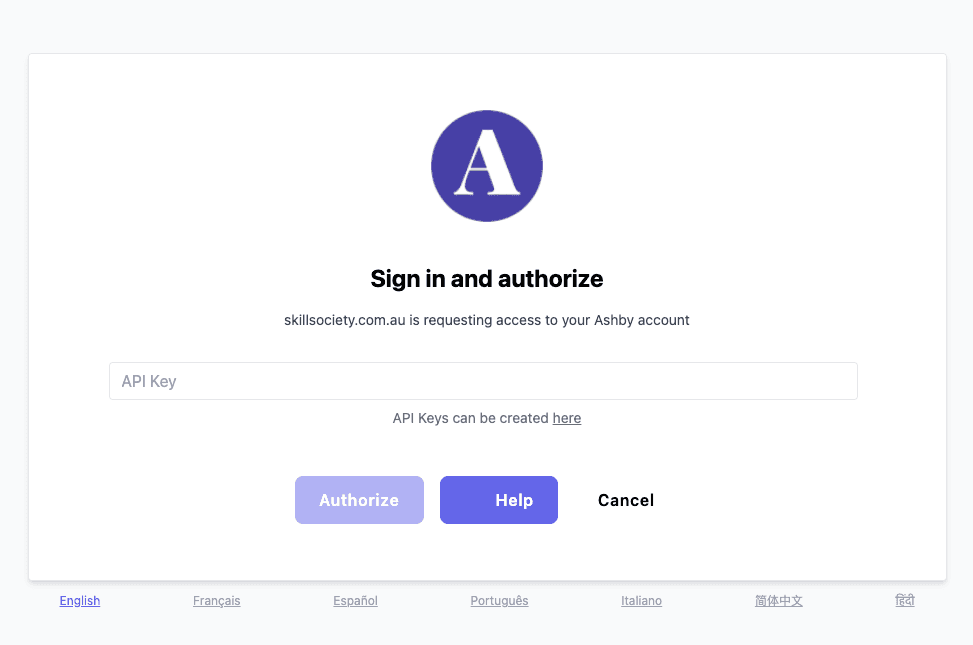
Log in to your Ashby account: Ensure you have administrative privileges, as generating an API key requires admin access.
Navigate to the API keys section: Navigate to the Ashby setings, from the dropdown menu, and then choose 'API keys' from the sidebar.
Create a new API key: Click the 'New API Key' button, provide a descriptive name for the key (e.g., Skill Society Integration)
Save and copy the API key: After creating the key, copy it immediately and store it securely, as you won't be able to view it again later.
For more detailed information, refer to the Ashby API documentation.
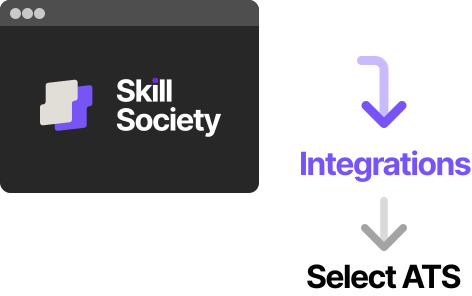
- Go to your Skill Society dashboard → Integrations
- Select “Ashby” and click Connect
- Enter your API Key
- Set up interview workflows and pre-qualification logic
- Enable automations (invites, reminders, tagging)
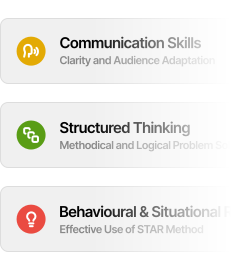
- Customise scoring and tagging criteria for your roles
- Provide onboarding and training for your team
- Confirm your ongoing support contact

How it works
From invitation to review
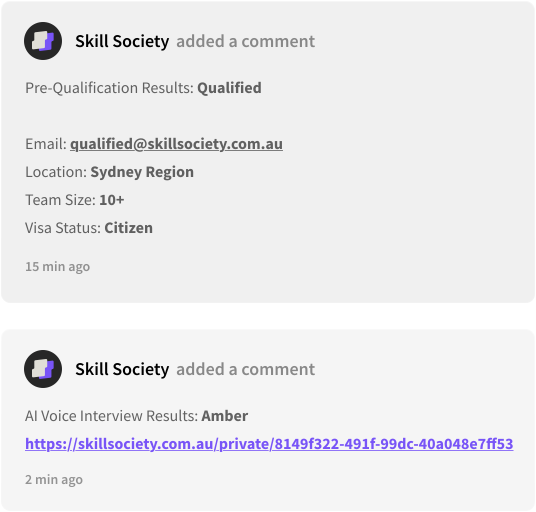
Configure candidate invitations and screening around your roles. Confirm which results your Ashby integration supports before turning on the workflow.
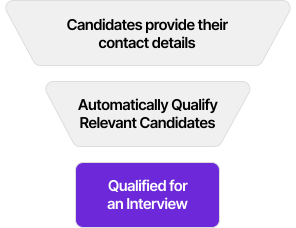
| Screening step | Example status | What to review |
|---|---|---|
| Pre-qualification | Qualified | Meets the must-have requirements |
| Needs review | Needs review | |
| Does not meet must-haves | Does not meet must-haves | |
| AI screening interviews | Strong match | Strong match |
| Review suggested | Review suggested | |
| Below scoring criteria | Does not meet the scoring criteria |
Where it helps
Practical support for teams using Ashby
See how teams using Ashby can organise screening and candidate evidence with Skill Society.






Customer outcomes
Customer outcomes across Skill Society
Customer outcomes across Skill Society. These results came from each customer's hiring workflow.
Read the customer stories:WilburIDVersePet CircleWilliam Buck
These results reflect wider hiring workflows with Skill Society. Your team uses candidate evidence to make hiring decisions.

Common questions
FAQs
Skill Society helps hiring teams screen applications, run AI screening interviews, and review candidate evidence in one workflow. Your team sets the requirements, reviews the results, and makes the hiring decision.
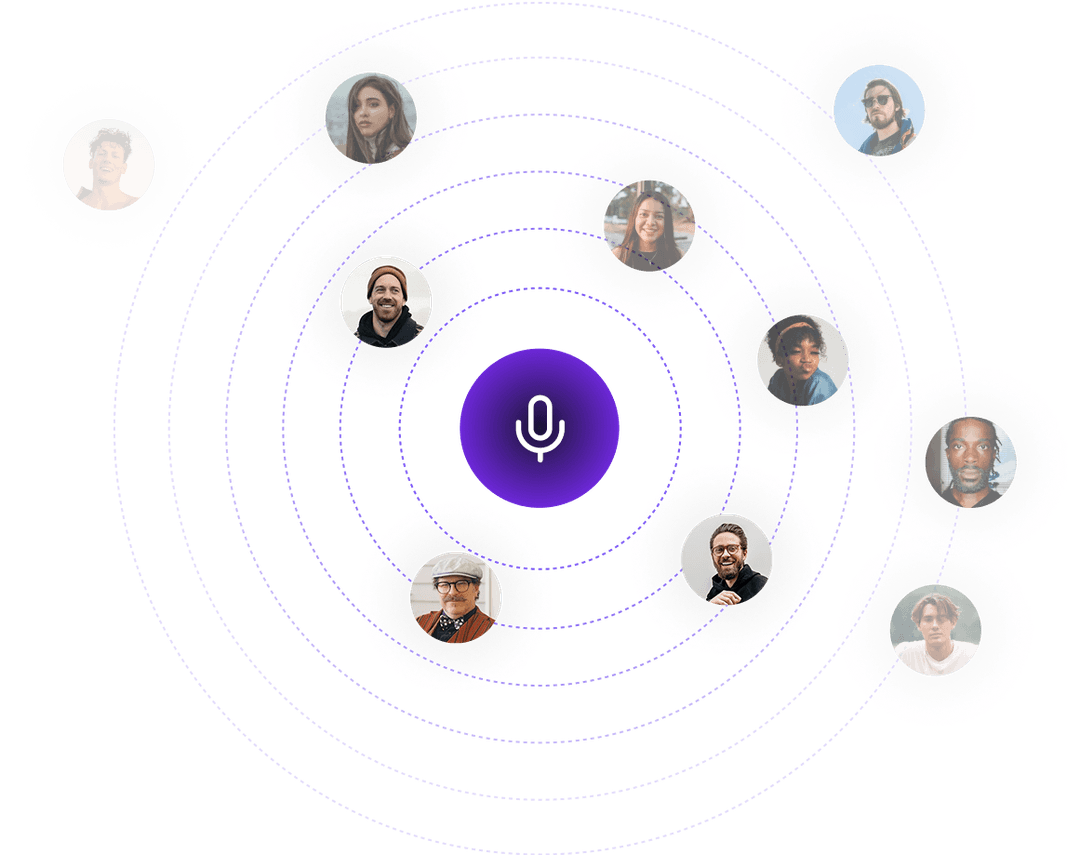
Candidates can complete an audio interview on mobile or desktop during the role's configured interview window. The hiring team can then review the recording, transcript, and structured interview report.
Our integration pages describe supported applicant tracking system (ATS) workflows. The candidate handoff and information returned depend on the integration and setup. Book a demo to confirm how your required workflow fits.
Skill Society supports HR teams, recruiters, and hiring managers handling high applicant volumes. It helps organise screening and candidate evidence so people can review the shortlist and decide who progresses.
See our current pricing page for plan options and inclusions. Book a demo to discuss the setup and plan for your hiring needs.
Read our privacy policy for information about personal data collection, use, storage, and your rights. Contact the team to discuss your organisation's security and data-handling requirements before rollout.